Logo video2dn
  • Сохранить видео с ютуба
  • Категории
    • Музыка
    • Кино и Анимация
    • Автомобили
    • Животные
    • Спорт
    • Путешествия
    • Игры
    • Люди и Блоги
    • Юмор
    • Развлечения
    • Новости и Политика
    • Howto и Стиль
    • Diy своими руками
    • Образование
    • Наука и Технологии
    • Некоммерческие Организации
  • О сайте

Скачать или смотреть Let's Try WiFi 7!

  • Home Network Guy
  • 2025-03-06
  • 1924
Let's Try WiFi 7!
  • ok logo

Скачать Let's Try WiFi 7! бесплатно в качестве 4к (2к / 1080p)

У нас вы можете скачать бесплатно Let's Try WiFi 7! или посмотреть видео с ютуба в максимальном доступном качестве.

Для скачивания выберите вариант из формы ниже:

  • Информация по загрузке:

Cкачать музыку Let's Try WiFi 7! бесплатно в формате MP3:

Если иконки загрузки не отобразились, ПОЖАЛУЙСТА, НАЖМИТЕ ЗДЕСЬ или обновите страницу
Если у вас возникли трудности с загрузкой, пожалуйста, свяжитесь с нами по контактам, указанным в нижней части страницы.
Спасибо за использование сервиса video2dn.com

Описание к видео Let's Try WiFi 7!

Recently I was able to obtain 2 different WiFi 7 access points to try out: the EnGenius ECW516L and the Grandstream GWN7670.

In anticipation of receiving WiFi 7 access points in 2025, I purchased a WiFi 7 m.2 WiFi module several months ago. I encountered issues because I didn't realize my motherboard only supported CVNio m.2 Key "E" modules and the one I purchased was not a CVNio module. I describe my workaround in the video.

Initial speedtests were impressive from both wireless access points. It's worth noting that the Grandstream GWN7670 is an entry level WiFi 7 access point similar to Ubiquiti's U7 Lite which do not support the 6GHz spectrum while the EnGenius AP is a more expensive model that supports 6GHz and is more in line with the UniFi U7 Pro in terms of WiFi 7 features and pricing. Grandstream is planning to release 2 other higher end WiFi 7 models.

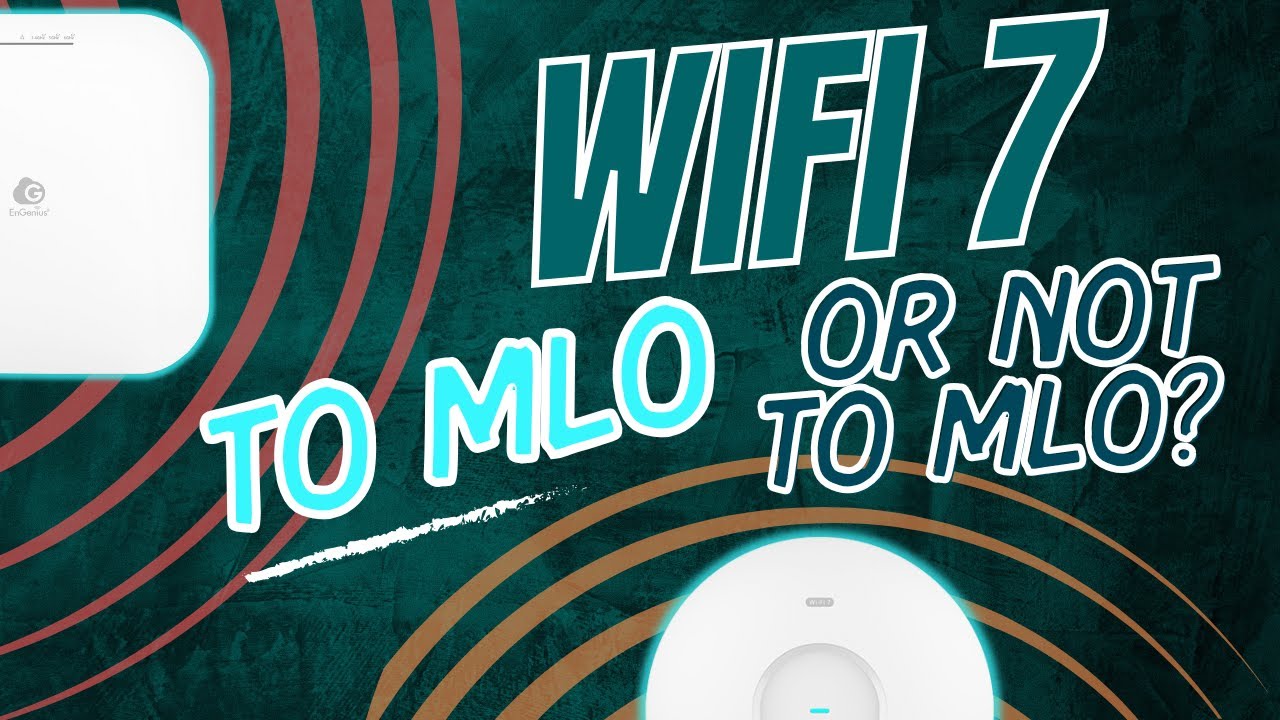
The thumbnail includes "To MLO or not to MLO?" since I noticed when testing the GWN7670 that when I had MLO enabled, it seemed as though my wireless clients would prefer using 2.4GHz rather than 5GHz instead of using both channels. Perhaps this is a glitch that will need addressed at some point, but I wanted to mention that in case anyone has any issues (I tested a lot of different settings so it could be an unfortunate coincidence). Since the throughput of 2.4GHz is about 300 Mbps or less, combining that bandwidth with the 5GHz band would not be a huge bump in performance relatively to the large amount of bandwidth I experienced with 5GHz alone.

Non-affiliate links:

EnGenius ECW516L: https://www.engeniustech.com/engenius...

Grandstream GWN7670: https://www.grandstream.com/products/...

Affiliate links:

EnGenius ECW516L: https://amzn.to/47gGZ4a
Grandstream GWN7670: https://amzn.to/4ob3yOE

Chapters:

00:00 WiFi 7 introduction
01:28 EnGenius ECW516L
05:01 WiFi 7 client issues
07:02 Speed test introduction
07:53 ECW516L speed testing
10:51 Grandstream GWN7670
14:18 GWN7670 speed testing
15:55 Closing thoughts

EP66

Join this channel to get access to perks:
   / @homenetworkguy  

Комментарии

Информация по комментариям в разработке

Похожие видео

  • О нас
  • Контакты
  • Отказ от ответственности - Disclaimer
  • Условия использования сайта - TOS
  • Политика конфиденциальности

video2dn Copyright © 2023 - 2025

Контакты для правообладателей [email protected]