Logo video2dn
  • Сохранить видео с ютуба
  • Категории
    • Музыка
    • Кино и Анимация
    • Автомобили
    • Животные
    • Спорт
    • Путешествия
    • Игры
    • Люди и Блоги
    • Юмор
    • Развлечения
    • Новости и Политика
    • Howto и Стиль
    • Diy своими руками
    • Образование
    • Наука и Технологии
    • Некоммерческие Организации
  • О сайте

Скачать или смотреть Creating and Managing Message Templates || ZSuite Critical Event Management

  • Zapoj Zsuite
  • 2021-04-07
  • 16
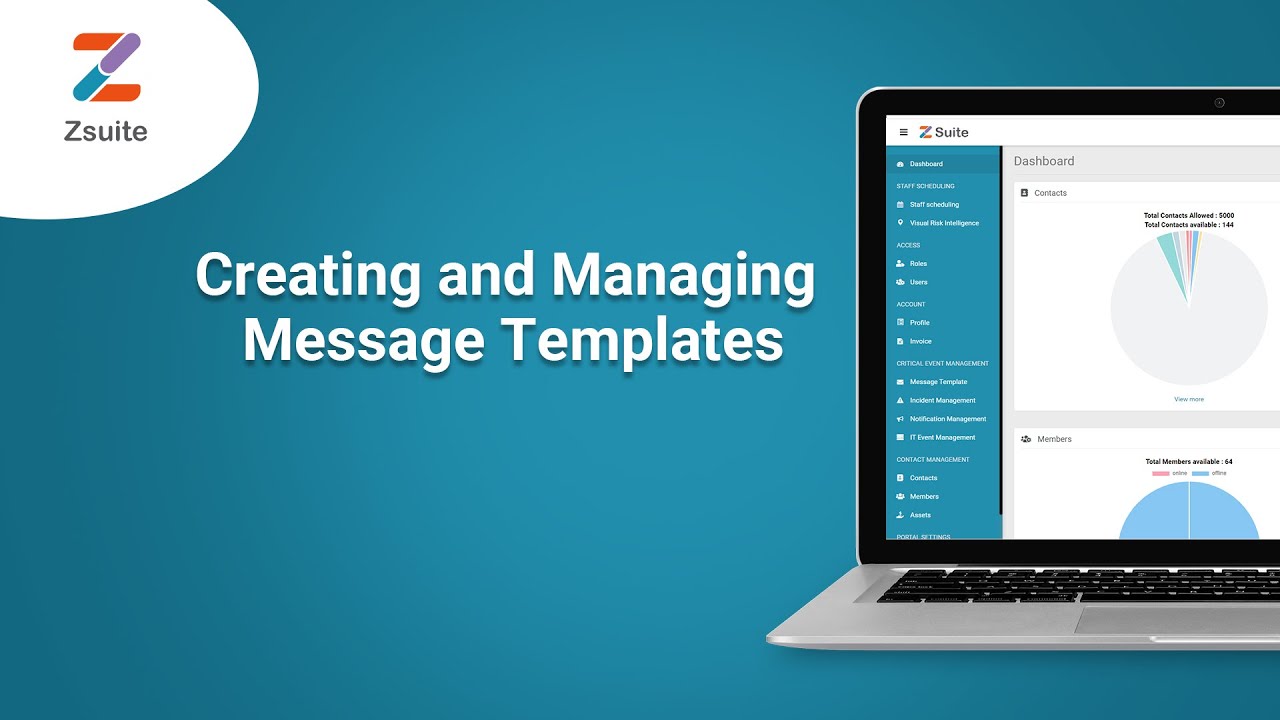
Creating and Managing Message Templates || ZSuite Critical Event Management
  • ok logo

Скачать Creating and Managing Message Templates || ZSuite Critical Event Management бесплатно в качестве 4к (2к / 1080p)

У нас вы можете скачать бесплатно Creating and Managing Message Templates || ZSuite Critical Event Management или посмотреть видео с ютуба в максимальном доступном качестве.

Для скачивания выберите вариант из формы ниже:

  • Информация по загрузке:

Cкачать музыку Creating and Managing Message Templates || ZSuite Critical Event Management бесплатно в формате MP3:

Если иконки загрузки не отобразились, ПОЖАЛУЙСТА, НАЖМИТЕ ЗДЕСЬ или обновите страницу
Если у вас возникли трудности с загрузкой, пожалуйста, свяжитесь с нами по контактам, указанным в нижней части страницы.
Спасибо за использование сервиса video2dn.com

Описание к видео Creating and Managing Message Templates || ZSuite Critical Event Management

In this video we will learn Creating and Managing Message Templates ZSuite - A Critical Event Management and Collaboration Tool by Zapoj, that helps the companies to improve business resilience by predicting risks and automating the mitigation process and thus helping them reduce the losses.

#CriticalEventManagement​ #RiskIntelligeneTool​ #RiskMitigationTool​

Below is the process followed to achieve the same on the tool.
Click on the menu icon displayed in the left side of Zsuite logo and select "Message Templates" from the message templates part options.
Here messages can be created into Templates, so that they can be used multiple times.


Organization Admin, Content Manager, Content Writer and Mass Notification Manager has access to Create the Message Templates.

9.3.1 Drafts: Here you can have a look on your drafted messages.


Editing Drafts: You can also Edit this draft message by clicking on Actions or click in the Title of the Template.


Here you can edit some message details Message Template Name, Message Template Description, Message etc


If you include a separate message for Email notifications, you can edit Email subject, email etc


You can attach some files by clicking on choose files.
Speech: Here you can select Text to speech, use a voice recording and None.


Text to speech: Here the Description you gave in Text will be changed into speech and sent.

Use a voice recording:

You can record an audio or can upload audio.

None: Nothing. If you select none there will be no speech available.

Creating a Template: To create a new Template click on Create Template which you can see on the screen.


You will be directed to a New Message Template Page. Here you can give some mandatory details like Message Template Name, Message Template Description and Message.


Email: Here you can include a separate message for Email notifications by clicking on the check box given.


For Email you have fill the details like Email subject, Email message and you can attach files also, same like in a Mail.

Speech: We have already discussed in Editing a Template.
9.3.2 Sent / Submitted:
This is where you can find sent/submitted messages.


Viewing sent/submitted messages: By clicking on the title of the message template you can view some message details.

This gives the details like name, description, created on, Last updated on, created by.

Message preview: This gives the Email and SMS previews.


Click on the preview button to have a look at the preview.

The above is an Email preview.


The above is an SMS preview.

Comments: You can add some comments here and click on approve.

Комментарии

Информация по комментариям в разработке

Похожие видео

  • О нас
  • Контакты
  • Отказ от ответственности - Disclaimer
  • Условия использования сайта - TOS
  • Политика конфиденциальности

video2dn Copyright © 2023 - 2025

Контакты для правообладателей [email protected]