Logo video2dn
  • Сохранить видео с ютуба
  • Категории
    • Музыка
    • Кино и Анимация
    • Автомобили
    • Животные
    • Спорт
    • Путешествия
    • Игры
    • Люди и Блоги
    • Юмор
    • Развлечения
    • Новости и Политика
    • Howto и Стиль
    • Diy своими руками
    • Образование
    • Наука и Технологии
    • Некоммерческие Организации
  • О сайте

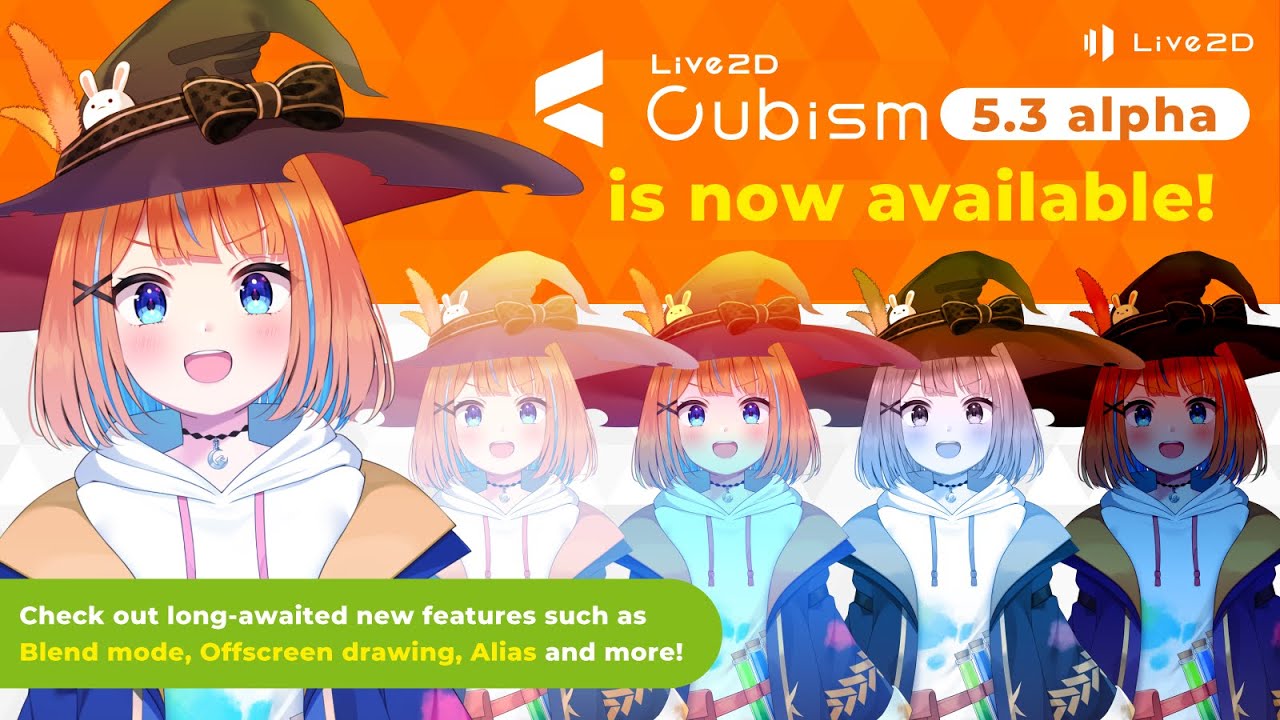
Скачать или смотреть 【official】Cubism 5.3 alpha New Features Digest

  • Live2D
  • 2025-03-24
  • 3226
【official】Cubism 5.3 alpha New Features Digest
  • ok logo

Скачать 【official】Cubism 5.3 alpha New Features Digest бесплатно в качестве 4к (2к / 1080p)

У нас вы можете скачать бесплатно 【official】Cubism 5.3 alpha New Features Digest или посмотреть видео с ютуба в максимальном доступном качестве.

Для скачивания выберите вариант из формы ниже:

  • Информация по загрузке:

Cкачать музыку 【official】Cubism 5.3 alpha New Features Digest бесплатно в формате MP3:

Если иконки загрузки не отобразились, ПОЖАЛУЙСТА, НАЖМИТЕ ЗДЕСЬ или обновите страницу
Если у вас возникли трудности с загрузкой, пожалуйста, свяжитесь с нами по контактам, указанным в нижней части страницы.
Спасибо за использование сервиса video2dn.com

Описание к видео 【official】Cubism 5.3 alpha New Features Digest

▼How to download and use the Cubism 5.3 alpha version

Find download instructions & alpha version precautions, and post feedback on these community sites:
https://community.live2d.com/categori....

  / discord  

*The alpha version allows you to try out the new features that will be included in Cubism Editor 5.3, regardless of whether you have the FREE or PRO version.

You can also find an FAQ and other pertinent information about the alpha, so please read through the details first before installing.

-----

▼New Features

00:05 Blend Mode
"Blend Mode" is a feature related to compositing objects.
You can individually set more than 10 types of color blends with RGB channels, as well as alpha blends with the alpha channel.

00:39 Offscreen Drawing
"Offscreen Drawing" is a feature that draws multiple objects into memory before transferring them onto the canvas.
When enabled, you can set properties such as opacity and clipping on parts.

01:11 Alias
"Alias" is a feature that redraws objects or parts in the configured draw order.
When offscreen drawing is enabled, you can modify opacity or set clipping.

*These features are still in development, and may differ from the features implemented in the release version.

▼HP
https://www.live2d.jp/en/
Live2D Cubism:https://www.live2d.com/en/

▼X
Live2D Official:https://x.com/Live2D
Live2D Development Official:https://x.com/live2d_dev

Комментарии

Информация по комментариям в разработке

Похожие видео

  • О нас
  • Контакты
  • Отказ от ответственности - Disclaimer
  • Условия использования сайта - TOS
  • Политика конфиденциальности

video2dn Copyright © 2023 - 2025

Контакты для правообладателей [email protected]