Logo video2dn
  • Сохранить видео с ютуба
  • Категории
    • Музыка
    • Кино и Анимация
    • Автомобили
    • Животные
    • Спорт
    • Путешествия
    • Игры
    • Люди и Блоги
    • Юмор
    • Развлечения
    • Новости и Политика
    • Howto и Стиль
    • Diy своими руками
    • Образование
    • Наука и Технологии
    • Некоммерческие Организации
  • О сайте

Скачать или смотреть Teacher Portal: Programme/Class/Subject Options Missing? Here’s the Quick Fix

  • Appiah Enoch
  • 2026-01-20
  • 7
Teacher Portal: Programme/Class/Subject Options Missing? Here’s the Quick Fix
  • ok logo

Скачать Teacher Portal: Programme/Class/Subject Options Missing? Here’s the Quick Fix бесплатно в качестве 4к (2к / 1080p)

У нас вы можете скачать бесплатно Teacher Portal: Programme/Class/Subject Options Missing? Here’s the Quick Fix или посмотреть видео с ютуба в максимальном доступном качестве.

Для скачивания выберите вариант из формы ниже:

  • Информация по загрузке:

Cкачать музыку Teacher Portal: Programme/Class/Subject Options Missing? Here’s the Quick Fix бесплатно в формате MP3:

Если иконки загрузки не отобразились, ПОЖАЛУЙСТА, НАЖМИТЕ ЗДЕСЬ или обновите страницу
Если у вас возникли трудности с загрузкой, пожалуйста, свяжитесь с нами по контактам, указанным в нижней части страницы.
Спасибо за использование сервиса video2dn.com

Описание к видео Teacher Portal: Programme/Class/Subject Options Missing? Here’s the Quick Fix

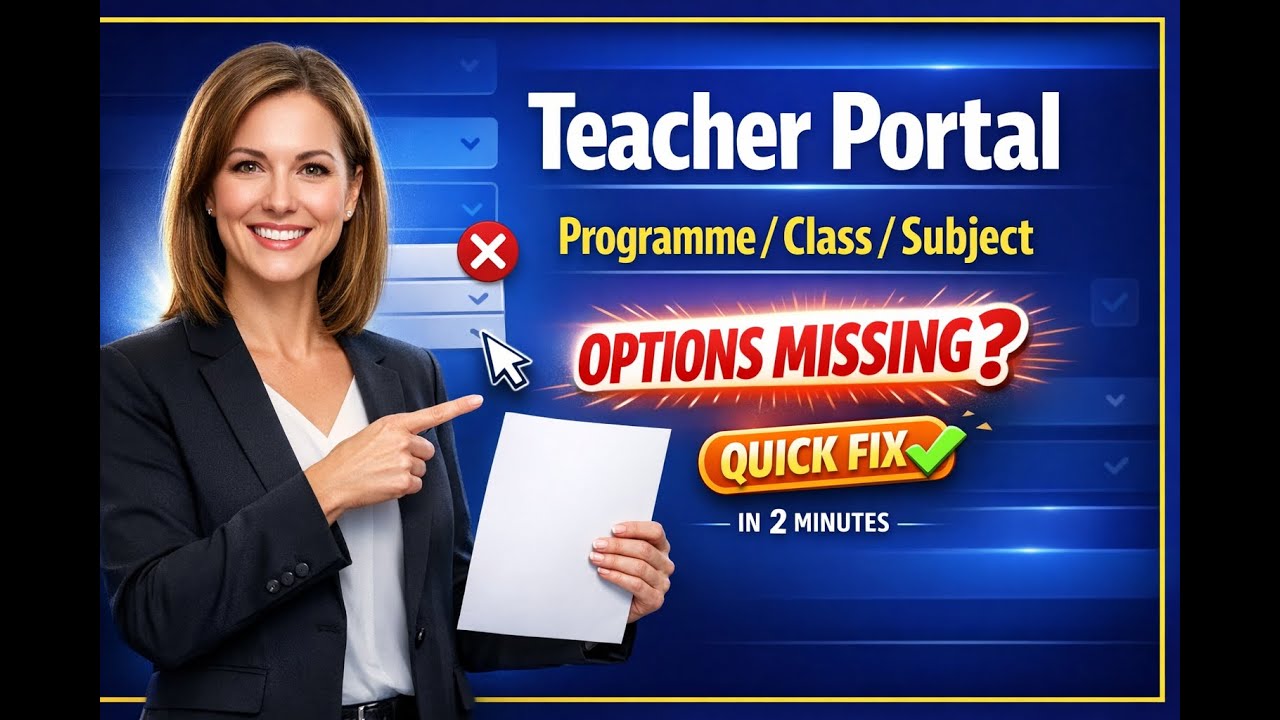
Having trouble uploading assessments because your Programme / Class / Subject options aren’t showing in your Teacher Portal? Don’t worry — this quick video shows the simple fix ✅

Sometimes, when you log in to upload an assessment, the dropdown list for programme, class, and subject may appear blank or missing. If that happens, you just need to use the Self-Assign Subject Form to assign the subjects you want to upload assessments for. Once you do that, all your programmes, classes, and subjects will show up so you can continue your upload smoothly.

🎯 What you’ll learn in this video:

Why the Programme/Class/Subject options may not appear

How to use the Self-Assign Subject Form

How to get your portal ready for assessment uploads in minutes

📌 ABOUT THE SYSTEM
This is part of the Senior High School Management System designed by Cleancode Enterprise — built to make school work easier, faster, and more organized for Senior High Schools.

🌍 Examples of systems we’ve designed:

stmonicasshs.net

sdassbekwai.online

juabososhs.com

🤝 Need help setting up your school system, training staff, or fixing a portal issue?
Feel free to reach out — I’m happy to assist.

📩 Email: [email protected]

📱 Mobile/WhatsApp: +233549822202

🔔 If this video helped you, please LIKE, SUBSCRIBE, and SHARE with other teachers and school admins who may need it.

Комментарии

Информация по комментариям в разработке

Похожие видео

  • О нас
  • Контакты
  • Отказ от ответственности - Disclaimer
  • Условия использования сайта - TOS
  • Политика конфиденциальности

video2dn Copyright © 2023 - 2025

Контакты для правообладателей [email protected]